



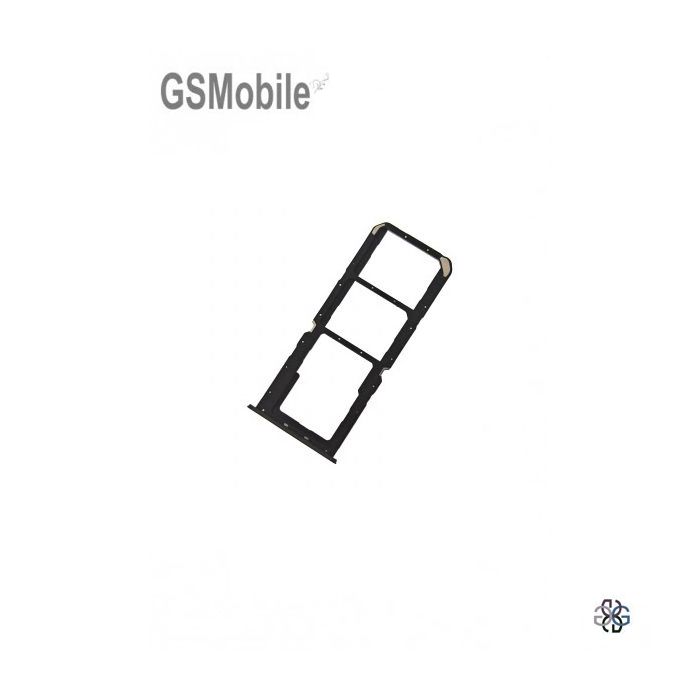
SIM and SD Card Tray for Realme C33 Black
SIM and SD Card Tray Component for Realme C33
Special Prices for Technical Services
Condition: New
Compatible: Realme C33 RMX3624
Colour: Black
Replacement Part Description
This component serves an important function. Without this component, it is not possible to access the GSM network and store data externally on an SD card. Remember to insert the cards correctly in the position indicated by the SIM tray.
Important the SIM tray with its respective SIM Card must be inserted carefully and should slide in smoothly without any pressure to avoid damaging the internal SIM reader.
If you have any questions, you can contact our technicians
|
693 55 82 87 |
911 735 885 |
info@gsmobile.es |


Find your Realme C33 components at the best price and quality at GSMobile! Buy today and receive it tomorrow.
Replacement of the SIM Tray for Realme C33
If the SIM tray of your mobile phone Realme C33 is damaged, not functioning, not opening, not aligning correctly, or not recognising the SIM card, it must be replaced with a new SIM tray.
Replacing the SIM tray of the Realme C33 device is a fairly simple process, but it requires care to avoid damaging the phone's components.
Correct Use of the Realme SIM Tray
- Make sure to use the appropriate tool to avoid damaging the tray mechanism. It is recommended to use the tool provided by the manufacturer to remove the SIM tray.
- Do not force the tray if it does not come out easily.
- Check the type of SIM (nano, micro, or standard) according to your phone model.
- Insert the SIM Card as indicated by the SIM Tray.
When to Take to a Technical Service to Replace the SIM Tray?
If the SIM tray is stuck, it is necessary to go to a technical service to avoid damaging the internal pins of the card reader.
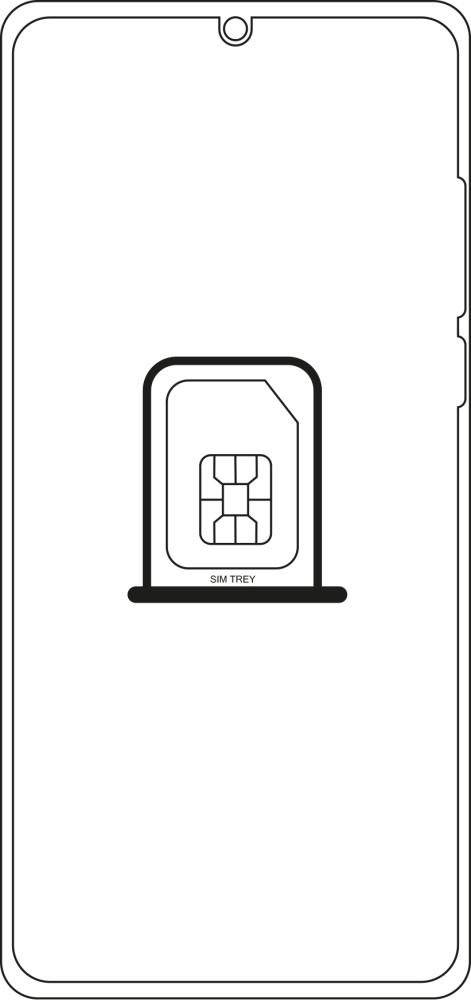
Replace SIM Tray for Realme C33
Replace SIM tray Realme C33 | Buy SIM tray Realme C33 | SIM Holder Realme C33 | SIM Chip Drawer Realme C33 | Where to buy SIM tray Realme C33| Acquire SIM tray Realme C33 | Change SIM tray Realme C33